
Digital Signatures with Samleikin
Skriva is a secure and legally valid digital signature solution that lets you easily send documents for electronic signature and download the signed documents once they are completed.
Skriva is a secure and legally valid digital signature solution that lets you easily send documents for electronic signature and download the signed documents once they are completed.
Printing, sending, waiting for, and storing documents that need to be signed can be time-consuming, especially when multiple people or companies are involved in the process.
With Skriva, you can send a digital signature request. The recipient receives a link by email and can sign using Samleikin.
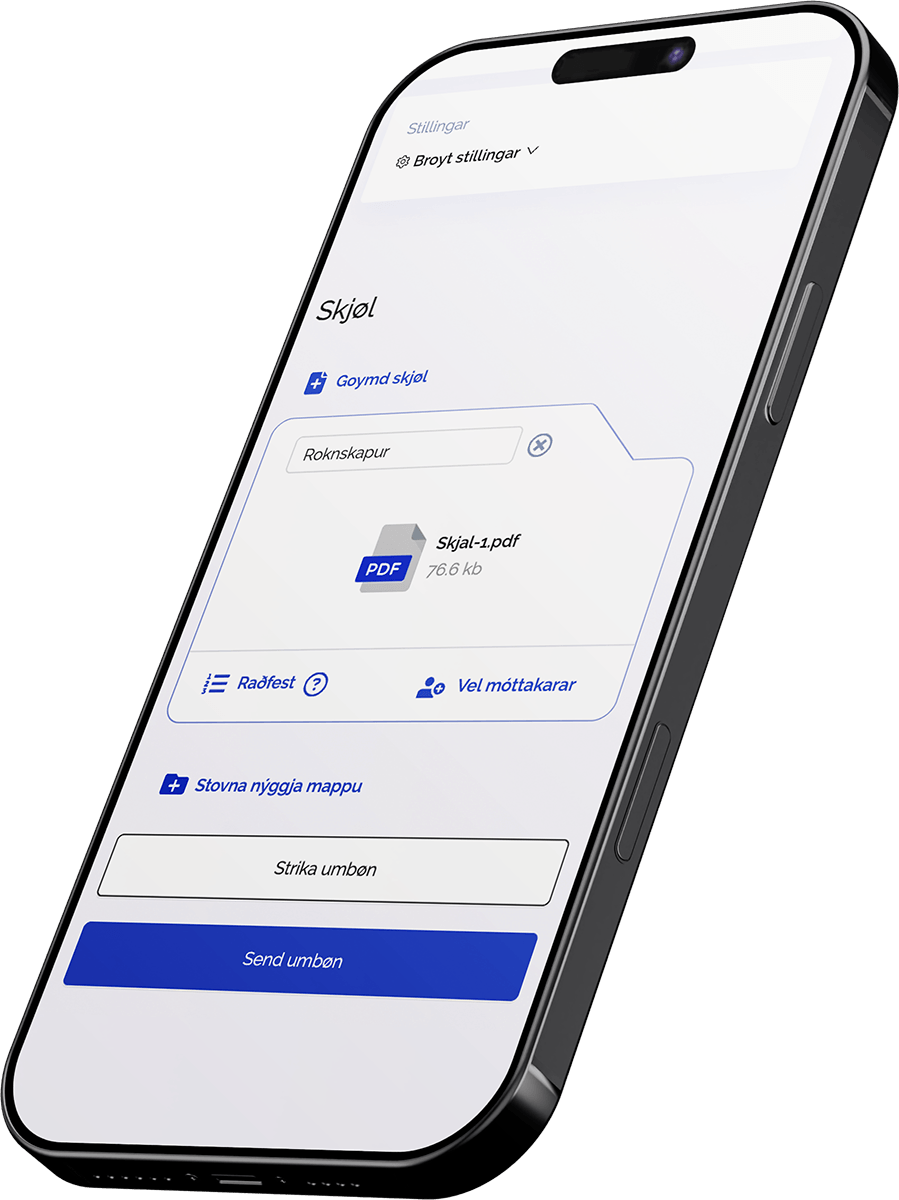
In order to send signature requests, you create an tenant and a user.
Sign in, upload the document, select the recipient, and send the signature request.
The recipient receives a link by email and can digitally sign the document using Samleikin.
Once the document has been signed, you can download the signed document and use it as needed.
Skriva is ideal for organisations that regularly send documents, agreements, or certificates for signature and want a more secure, faster, and digital process.
Agreements
Certificates
Employee documents
Consents
Applications
Internal approvals
Documents between companies and customers

The signature is securely embedded in the signed PDF file.

You can create signature requests, send documents, and track the process directly from the application.

The recipient does not need to create an account to sign a document.

Signed documents are automatically deleted after approximately 90 days, so information is not stored longer than necessary.